

JobAdder
Generate your Client Credentials
ℹ️ For Partner Integration
Use the Register OAuth Credentials API to register your partner credentials.
-
Login to your JobAdder developer account.
-
Nevigate to
Home > Applications, and click onRegister a new application.
-
This will prompt you to fill in the required information.
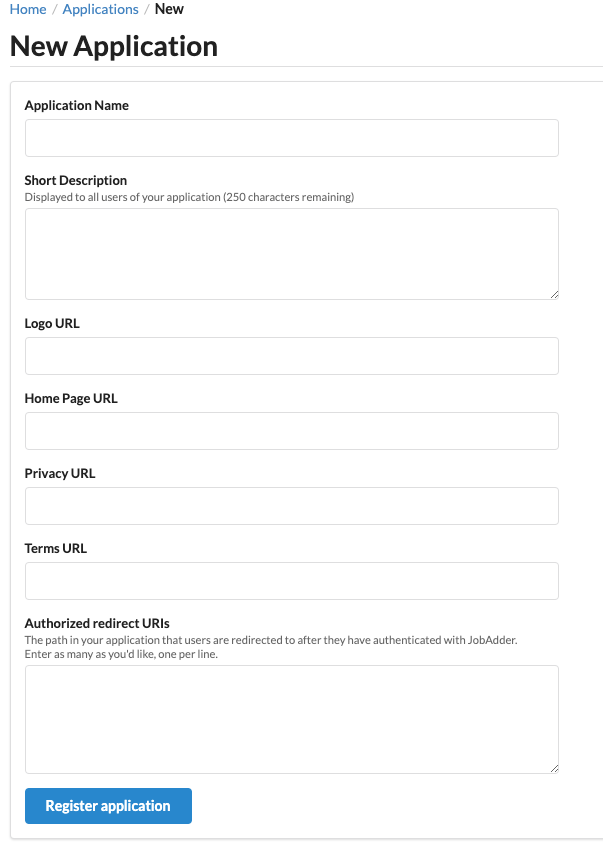
Once this has been done and the Application has been approved, you will be able to access your Client ID and Secret that you will need for JobAdder integration with Knit.
Note: Add https://app.getknit.dev/oauth/authorize as one of the Redirect URIs.
Updated 3 months ago
Did this page help you?